- Insights This article was written by a TIA community member. Insights pieces undergo the same rigorous editorial process that newsroom-produced articles have.
 Berry Sarah · · 7 min read
20 prototyping and wireframing tools for web designers
Having a good prototyping or wireframing tool will help you see the bigger picture, be more creative, and ease your workflow as a web designer.
This straight-to-the-point process is essential for any web design project as it helps you define the structure of the website you are going to build, making it easy for you to code later.
In case you don’t know the difference between prototyping and wireframing, you should know that a wireframe is something static, more abstract, and doesn’t have any interactive features. A prototype, on the other hand, is more dynamic and can replicate the final website design more closely.
Here are 20 prototyping and wireframing tools for web designers. We hope these tools will help you upgrade your workflow and web design skills.
InVision
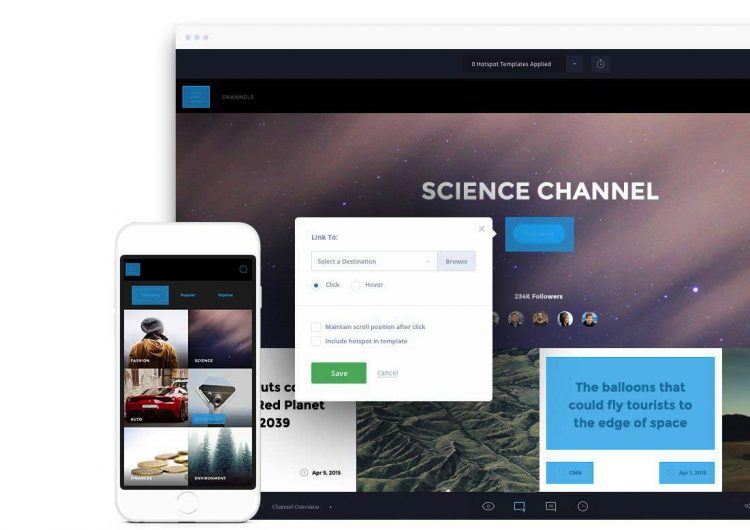
With this premium tool, you will get high-fidelity prototypes in under five minutes. Upload your design files and add animations, gestures, and transitions to transform your static screens into clickable, interactive prototypes.
Frame Box
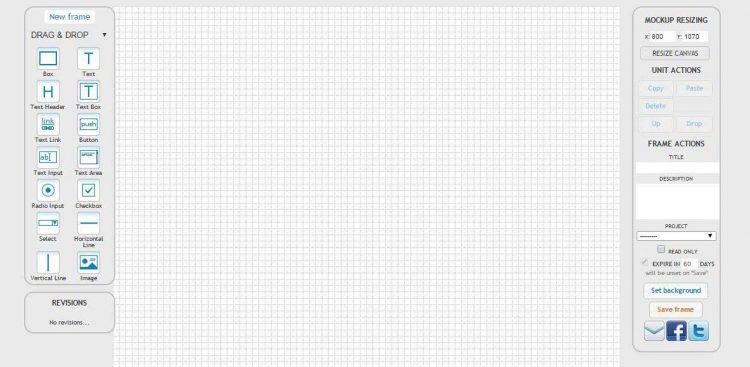
This is a lightweight online tool for creating and sharing mockups (wireframes). It is easy, fast and free to use.
Lumzy
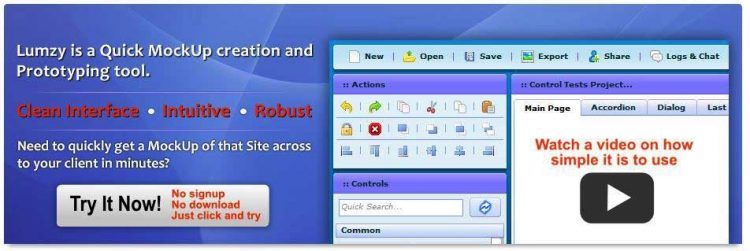
Lumzy is a prototyping tool that runs in the browser. It is a basic, free, web-based wireframing tool for rapid UI prototyping.
Pidoco
Pidoco lets you quickly create click-through wireframes and fully interactive UX prototypes.
Wireframe.cc
FluidIA
Proto.io
Mockplus
CogTool
Webflow
Wirefy
Gliffy
PowerMockup
Pencil Project
iPlotz
Lucidchart
iPhone Mockup
FlairBuilder
HotGloo
UXPin





Stay updated on the go with our mobile app.
Get latest insights with smoother, more personalized experience through TIA mobile app.