Ryan Wilcox · · 13 min read
I’ve been a remote developer for over 10 years. Here are the all the tools and tips you need to know.

Photo credit: Jeff Sheldon
Starting a new remote or work-from-home gig, be it a contract project or a full-time job, can be a little intimidating if you’re used to going to office on a daily basis.
But this style of employment is growing in popularity, with some very notable companies lending it their endorsements.
I’ve successfully worked remotely using these tools for years now, on projects of various scales and durations. With this post, I hope to enumerate some of the best practices that I’ve picked up for working in a variety of situations. The remote and work-from-home guide here ranges from specific recommendations for software and hardware, to tips for hitting your team’s deadlines.
The remote office setup
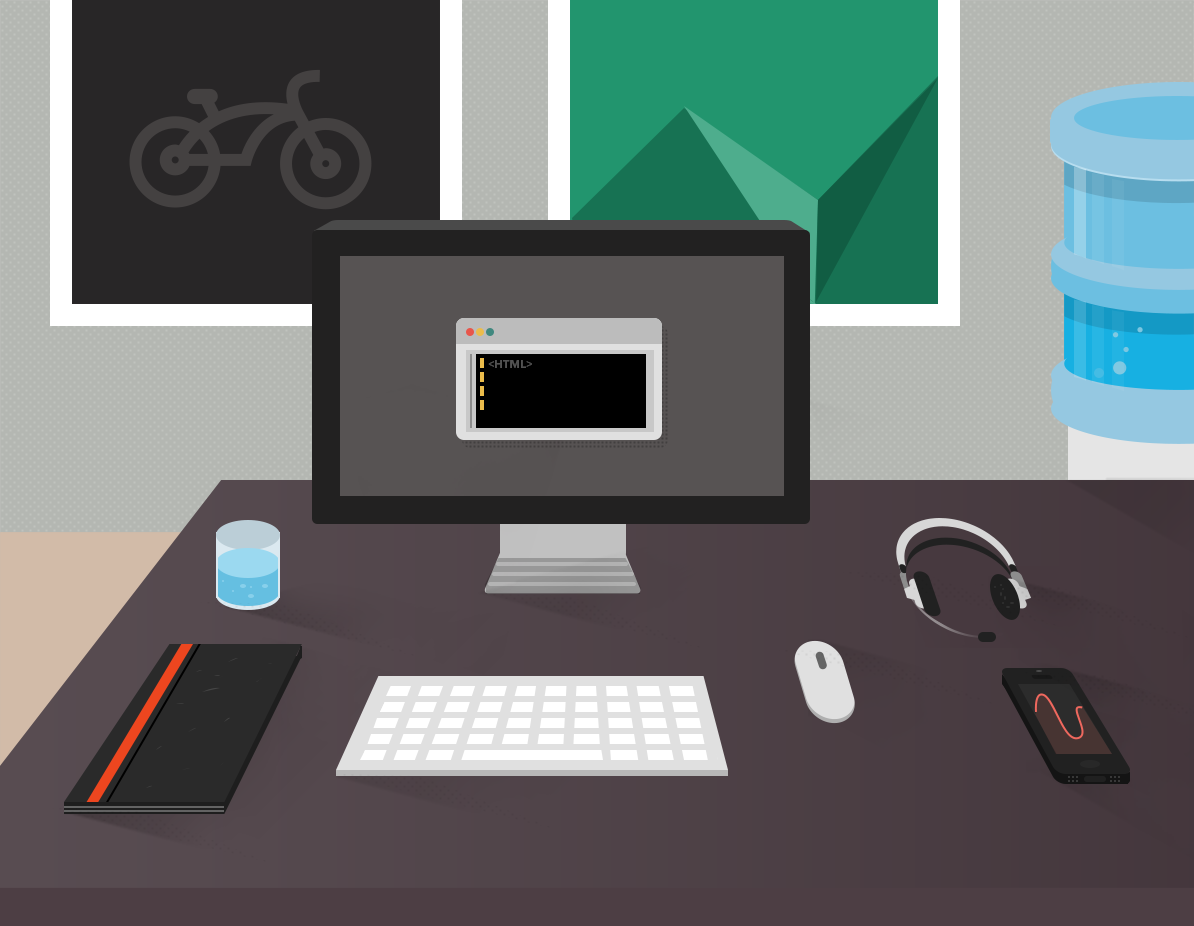
I can’t stress enough on the importance of having the right office setup. It will make you both more productive and appear more professional. For example, a headset is crucial for avoiding echoes while making online calls; little things like these go a long way when working remotely.
Here are some tools for working remotely which I consider essential within my own home office.
A headset
I really like wired headsets in particular, because they don’t run out of battery at critical times.
You’ll be wearing it a lot, so make sure you get something comfortable.
I have two iMicro headsets: one for my desk and one that I pack in my laptop bag. As a laptop bag headset, it has two great qualities: because it’s USB powered, I don’t have to worry about keeping the batteries charged, and it’s very cheap to replace if it gets broken in my bag.
I actually find this particular headset a little uncomfortable for long conference calls; if you’re doing a lot of those, then I recommend the Corsair Vengeance 2000: a comfortable, wireless headset with battery capability, allowing you to work all day. (By the way, none of these are referral links.)
A quiet place to think
Software Tools
Bug tracking
Team communication
On projects where you can set up the best practices
Recommendations
Conclusion





Stay updated on the go with our mobile app.
Get latest insights with smoother, more personalized experience through TIA mobile app.