Nick Babich · · 8 min read
Email is often your first touchpoint with clients. Here’s how to make it count.

You spend months creating an awesome product with an amazing UX. You’ve put a lot of effort into creating something really cool. And then comes a time when you need to present the product to the audience. But have you thought about the emails you’re going to send, and the user experience of the email?
Most of us solve this task using 3-simple actions – we figure out our target audience, create a proper copy and send it to the audience at the right time. But even if you hire a copywriter to write the perfect copy and send it to the right people at the right time, content alone does not make for a good user experience. In order to achieve this goal, you should find a right balance between business goals and context, user needs and your content.
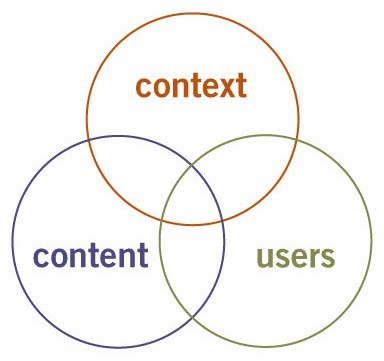
Three Circles of Information Architecture. Photo credit: semanticstudios
Facets of the user experience
Peter Morville created a user experience honeycomb which can be applied to email as well as anything else on the web.
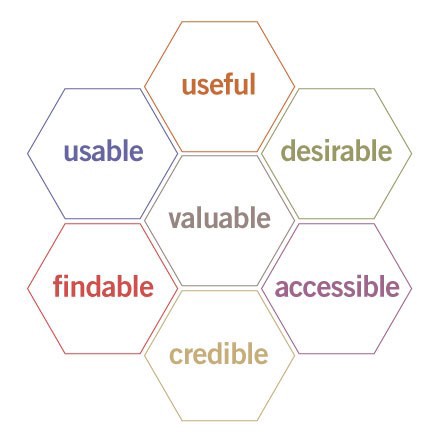
User Experience Honeycomb. Photo credit: semanticstudios
Each facet of the honeycomb fits with the others to guide you in creating a good user experience. Here’s how I explain each facet of the user experience.
Useful
Every email you send should be useful. And that doesn’t just mean useful to you, the sender, a business owner. It should be useful to the recipient, a user. If your message isn’t useful to the audience, it’ll feel like spam to whoever gets it.
Usable
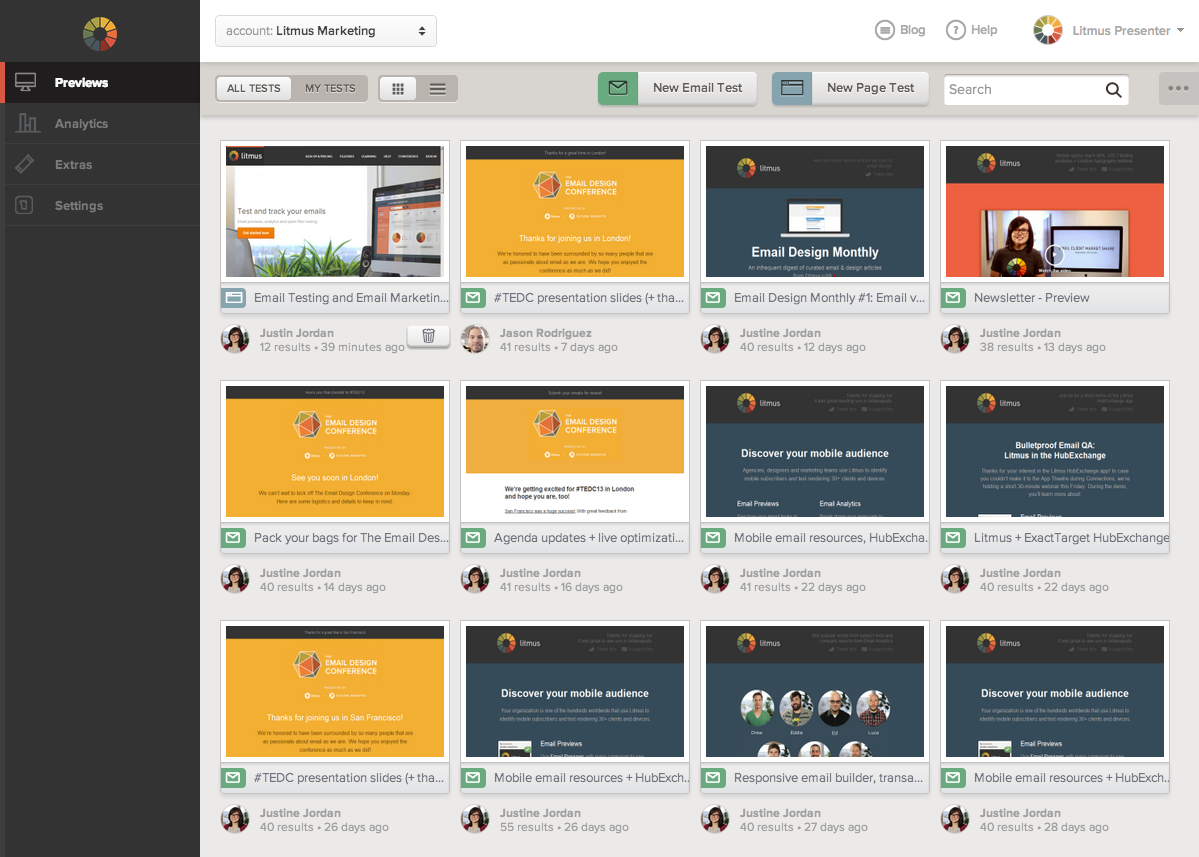
Usability is a necessary thing, and you should test compatibility. Your email shouldn’t look like a mess (this is especially true for HTML emails). It’s not good enough to just look at your email in a browser or in one or two email clients. Use proper email testing tools like Litmus to test your emails in all of your target email clients and browsers.
Tips for designing effective emails
Conclusion





Stay updated on the go with our mobile app.
Get latest insights with smoother, more personalized experience through TIA mobile app.