Paul Bischoff · · 8 min read
Not for the bashful: Meitu M4 will make selfie savants squeal (REVIEW)
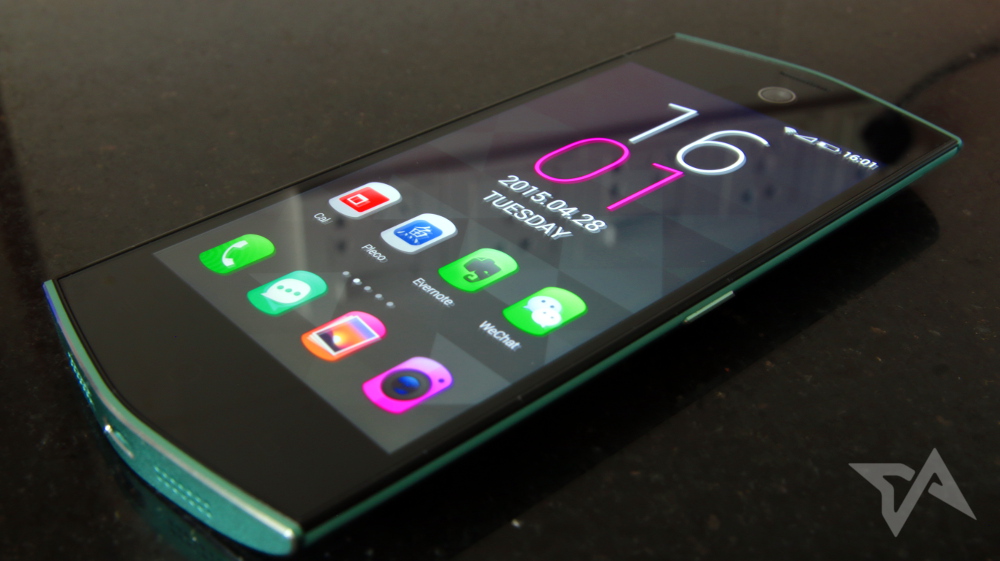
The Meitu M4 has arrived, and in case you were wondering: no, there wasn’t a Meitu M3. We last reviewed the M2, after which the app developer-turned-smartphone maker pulled a Microsoft and skipped a digit. The latest model’s name is conspicuously close to Xiaomi’s Mi 4, but while the name might throw some off, no one is going to be confused as to which is which when they see the M4 in person.
The Meitu M4 brings back the vibrant looks that channel all the energy of a high-school cheerleading squad into hardware. The unit I received comes in a relatively mild aqua, but you can still opt for very hot pink. Tack on an extra RMB 300 (US$50), and you can get the Hello Kitty edition. Because why not?
Not that much beyond the looks and camera matter to Meitu’s target audience, but here are the specs:
- 4.7-inch 1280×720 pixel screen
- MediaTek octa-core MT6752 1.7 GHz chipset
- 13MP cameras on front and rear
- 2GB RAM
- 32GB internal storage, no SD slot
- 2,160mAh battery
- RMB 2,199 (US$355)
Look and feel
The look of the M4 resembles its predecessor with a few tweaks. It maintains the curved edges at the top and bottom, though those edges are now plated in metal. This model forgoes the squared-off metal bands that lined the right and left edges of the M2. Instead, the M4 opts for a plastic back cover that tapers off to give the phone a rounded, bubbly feel.
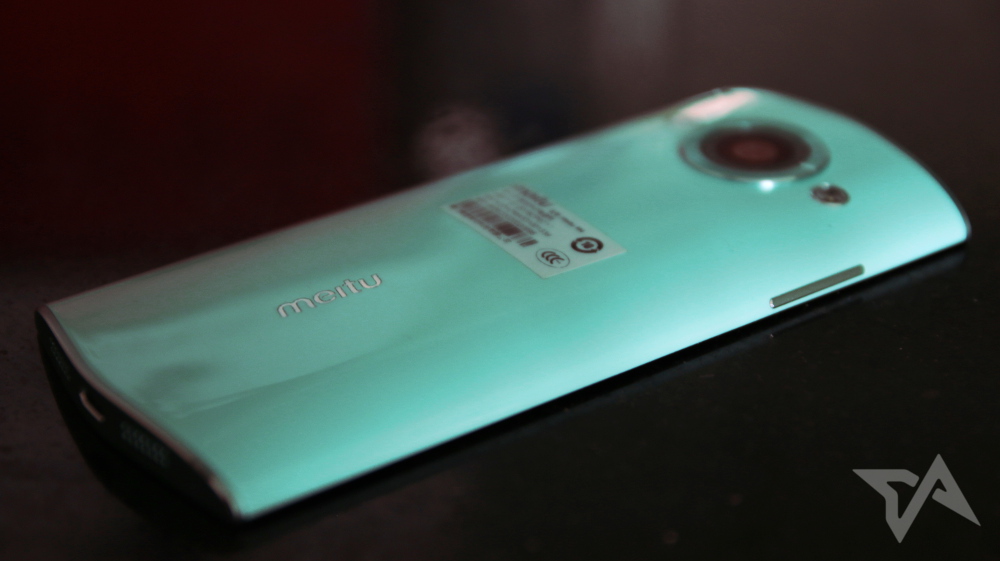
Overall, the phone seems solid. Applying pressure in the form of a light bend test results in a few audible creaks and pops. It’s a bit heavy in hand and a bit on the thick side, measuring 9mm in the center. The plastic rear cover is too slippery, but the curved back makes it easy to pick up off a table and fairly comfortable in hand.
My biggest complaint is that the phone is too long. While the display measures 4.7 inches, it’s as tall or taller than rival smartphones sporting 5-inch screens or larger. That’s mainly thanks to the huge top and bottom bezels, which add on an extra inch or so to each end. The phone is skinny enough to make typing with one hand painless, but I struggled to reach the notification bar and app menus located at the top of the screen.
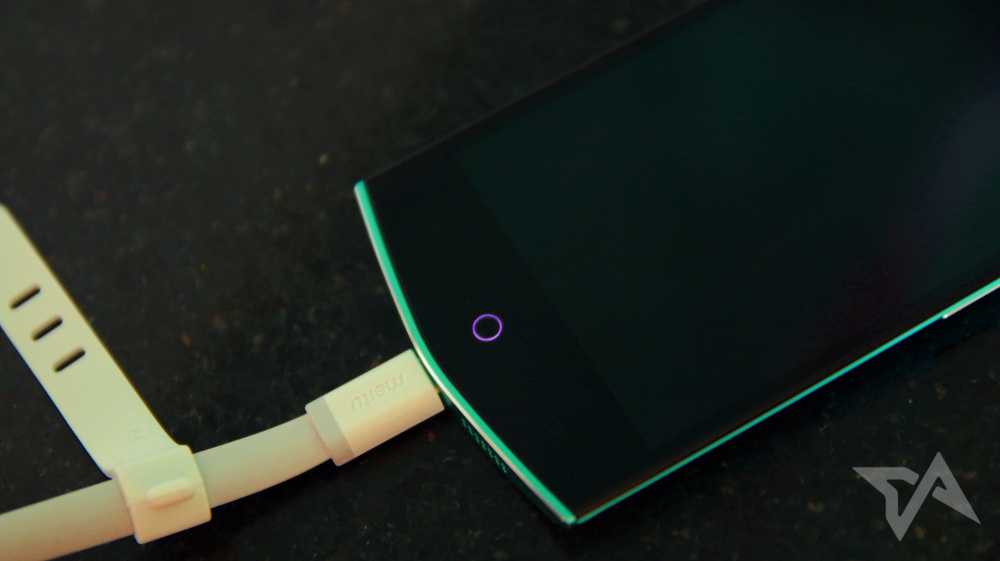
The M4 sports the usual three soft buttons beneath the display. The circle home key also serves as the phone’s notification light, which gives off an Apple-esque “breathing” glow. Those soft keys give haptic vibration feedback when pressed, but that feature is unfortunately lacking for the touchscreen, such as while typing.





Stay updated on the go with our mobile app.
Get latest insights with smoother, more personalized experience through TIA mobile app.