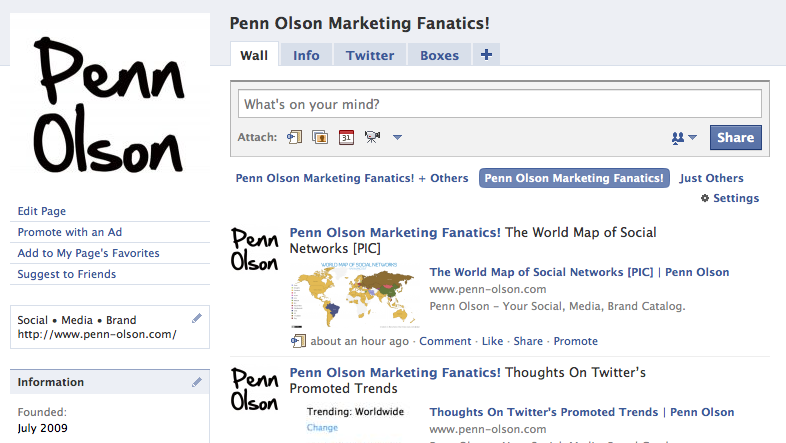
 Facebook is huge in most countries, and definitely catching up in the others. For that very reason, companies are choosing to set up a Facebook page to promote themselves. But how do you make your Facebook page stand out?
Setting up a Facebook page is easy, but making it professional is another story. If you are a beginner who is not satisfied with default tabs, and wordy content, I hope this post would help shred some light!
But of course, I am not a pro myself. Part of my work in India is to create social media presence for SRF Foundation, a non profit company, and I understand some of the problems beginners might meet when they set up a page from scratch. So, here are the solutions!
Creating customizable tabs
The default tabs made available by Facebook are sufficient, but they limit creativity. To create and customize your own tabs, you can use an application called “Static FBML.” It should appear under “More Applications,” as a recommended app. However, to use this app, you would need simple HTML knowledge.
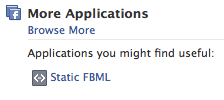
After adding the application to your page, you can add a FBML box to create your very own tab. If you are not good with HTML (like me), you can display your content as an image. It made my life easy, but I sacrificed SEO.
Some simple HTML codes
An image size of 750X853 worked very well for me.
1. To add an image, paste the following:
2. To add an image that’s linked to another site, paste the following:





Stay updated on the go with our mobile app.
Get latest insights with smoother, more personalized experience through TIA mobile app.













📅 Upcoming Events
30-31 March 2027
Upskill Fest