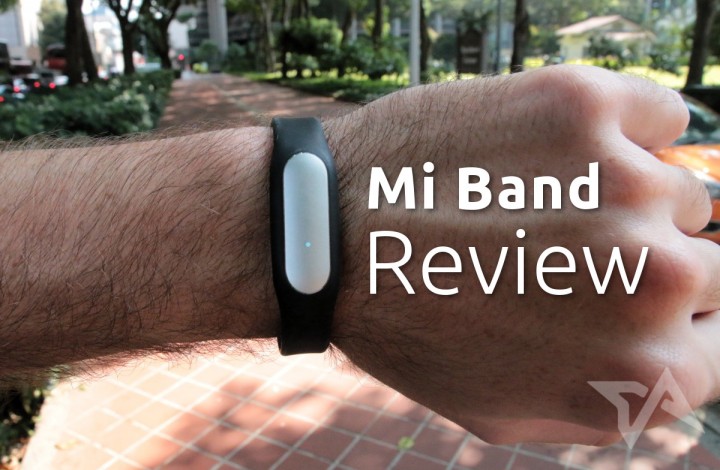
The wild world of wrist-worn wearables will, with the advent of Apple Watch, hopefully reach a saturation point and start to consolidate. The full potential of wearables is far from being realized, and the current status quo does very little to excite. Fitness bands, in particular, are basically just smartphone-connected rehashes of your mom’s mall-walking pedometer.
A few leaders are emerging, though. The latest contender comes from Chinese smartphone maker Xiaomi, dubbed the Mi Band. I’ve been wearing the Mi Band over the last few days to find out if it’s more than a glorified step counter. But first, let’s compare the features side-by-side with the Jawbone Up and Fitbit Flex:
While the MiBand hardware looks to be on par with its competitors, the app is less feature-rich, opting instead for a straightforward readout of metrics rather than giving suggestions on how to improve. For the time being, it’s not compatible with any third-party fitness apps like Run Keeper and Map My Fitness. Also, the app is for Android only; no iOS version is available.
The Mi Band’s biggest selling point is obviously price. At just RMB 79 (US$13), it comes in at just a fraction of the cost of the Jawbone’s jaw-dropping US$79.99 and the Fitbit’s fatcat US$99.95 price tags.
Also, Xiaomi smartphone owners get an extra perk: the Mi Band will automatically unlock your phone if you hold them near each other. That’s the only gimmick that other Android phone owners don’t get.
Functionality
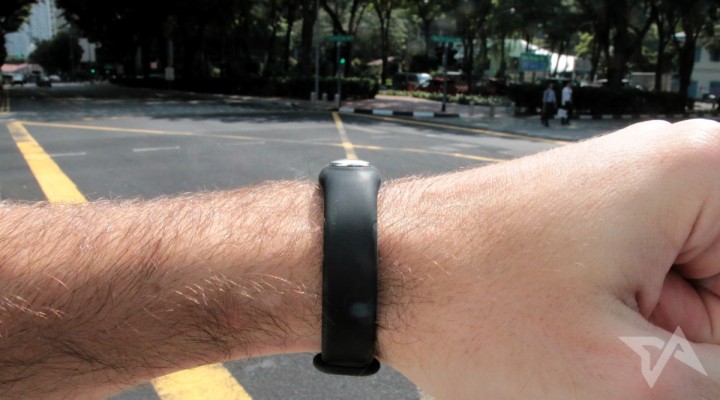
Once the Mi Band app is downloaded and installed, it will automatically switch to your phone’s set language, either Chinese or English. Pairing the Mi Band to your phone via Bluetooth is quick and painless, requiring just a few quick taps to set up. Enter a few personal stats like age, height, and weight, and you’re on your way. No need to take your phone with you on a walk or run; the app will automatically sync as soon as you’re back in Bluetooth range.
You can set a daily goal for how many steps you aim to take, which by default is set at 8,000. Depending on your progress, making a gesture as if you’re looking at a wristwatch will prompt the Mi Band to light up in your preferred color: one light for one-third, two lights for two-thirds, three lights for goal completed. The lights can be difficult to see in direct sunlight.
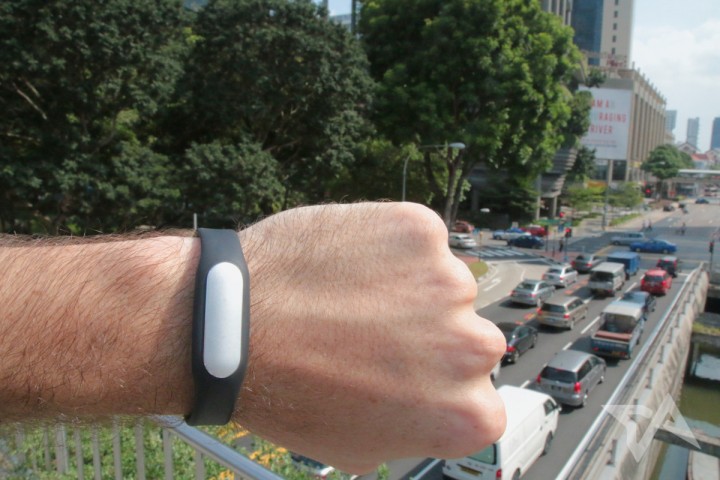
Wakeup alarms in the app unfortunately don’t sync with any other alarm apps you might have installed. The alarm gently vibrates three times and then turns off. There’s no snooze or option to make it keep vibrating until you give some sort of input, like a tap or other gesture. If it doesn’t wake you right away, then you’d better have a backup alarm ready.
The Mi Band can also be set to vibrate after a missed call, but no other notifications from apps or SMS are available. This was a bit of a disappointment, and seems like an obvious use case that should have been included. I found that by adjusting the missed call alert settings so that it buzzes just three seconds after an incoming call, it effectively lets me know when someone is calling me immediately rather than after I’ve actually missed it.
The app and metrics
Look and feel
Best value for your money





Stay updated on the go with our mobile app.
Get latest insights with smoother, more personalized experience through TIA mobile app.