- Insights This article was written by a TIA community member. Insights pieces undergo the same rigorous editorial process that newsroom-produced articles have.
 Buzz Usborne · · 7 min read
What I learned handling remote collaboration as a designer
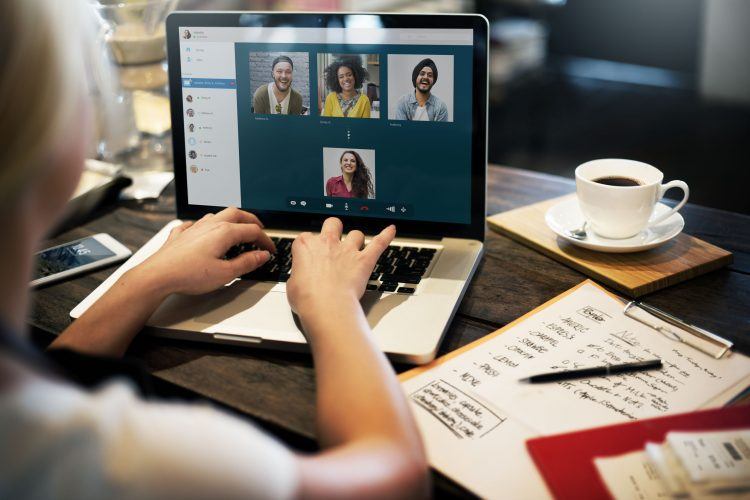
Photo credit: Rawpixel
I’ve worked within big, creative in-house teams for almost my entire career. That all changed when I took my current position as a designer at Help Scout—a fully remote team. To make things even more interesting, I work from my home studio in Australia, while the majority of the design team are in North America.
But after some trial and error, and with the support of my team, I now feel just as inspired, collaborative, and inclusive working remotely as I ever did in an office. Importantly, I’m producing work that I’m proud of.
So, whether you’re starting out as a remote designer or just want to find ways to improve your existing workflow, here are a few things I’ve learned that might help you.
Record daily video walkthroughs
Sharing designs and gathering feedback is a critical part of any design role—remote or otherwise. Yet, there’s some magic lost when posting flat .jpg files to Slack. Context is lost, words are overlooked, and the level of detail or feedback required isn’t immediately obvious.
The answer is to record videos. Sometimes, these videos come in the form of narrated user journeys via InVision. Other times, they are videos of me navigating around concepts in Sketch. But whatever the format, these raw, scrappy videos help to frame both the problem I’m trying to solve and the journey I’m taking to find a solution.
Sharing these quick and unpolished chats is almost like presenting in person. What’s more, my team gets the chance to watch, consider, and then provide feedback at their own pace—which in some ways is a little better than an in-person meeting.
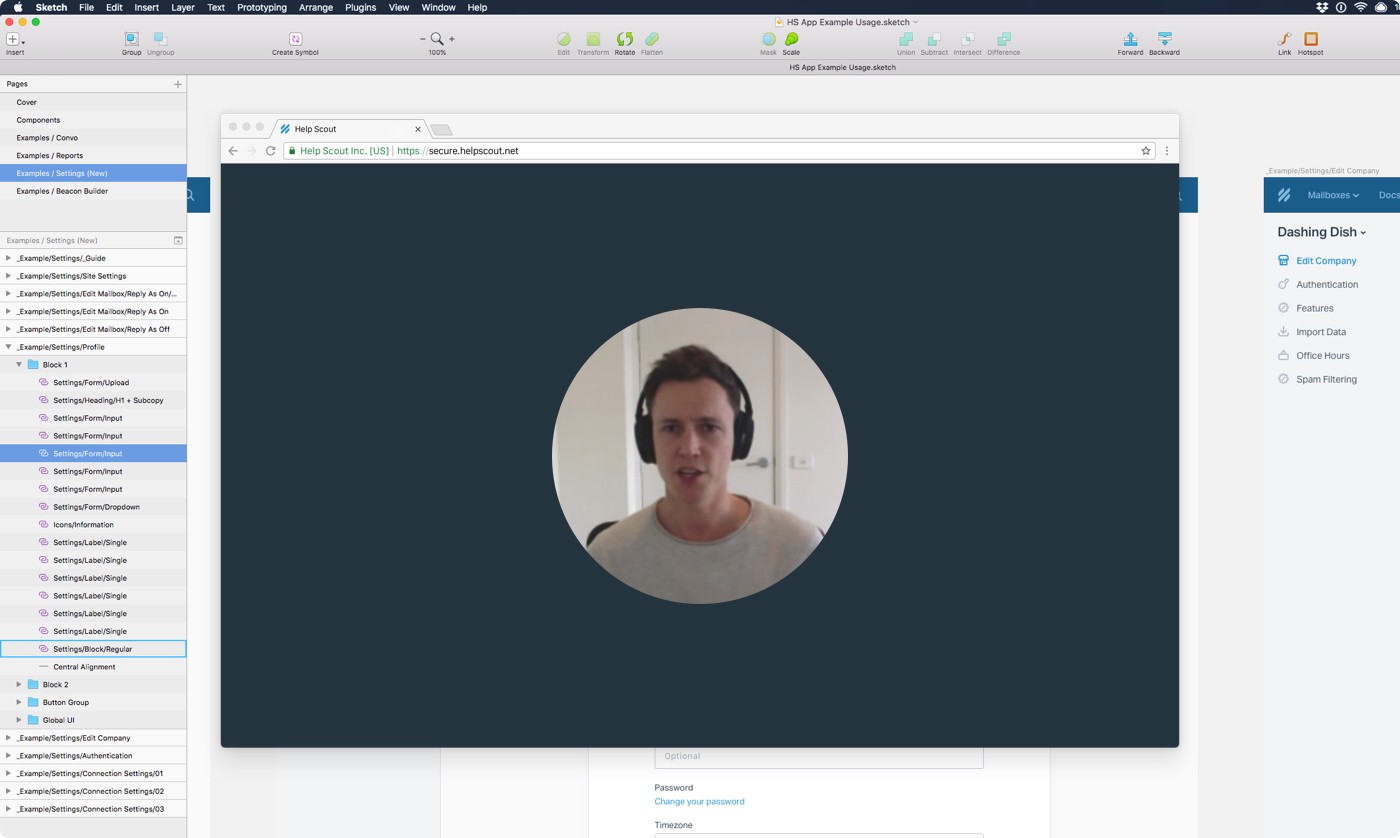
Admittedly, some magic is lost when you see my layer naming.
I use Loom for quicker videos, like the one above, and Wistia’s Soapbox for when I need a bit of finesse (they let you edit). While I don’t always look my best, sometimes it’s important to show the team a bit of face to communicate how excited I am about their progress or how a smooth interaction gets me all giddy and animated.
An interesting side effect is that I find myself more comfortable talking about the slightly more vulnerable side of design —failed concepts, ideas that didn’t pan out, or problems that I have no idea how to tackle—than I do when writing things down.
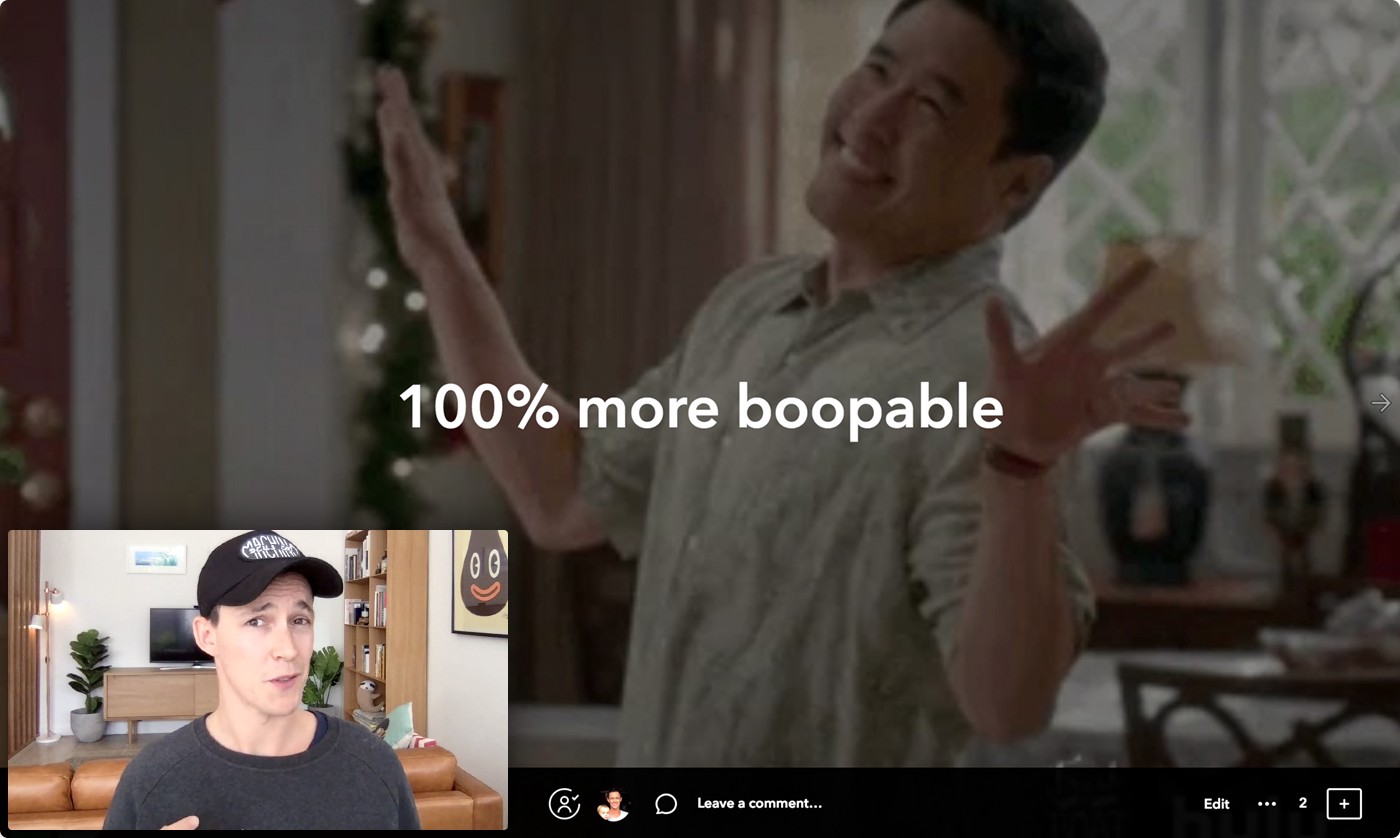
Yes, I am a professional.
Create WIP docs
Communicating work-in-progress (WIP) for active projects is another painful task when done wrong. Images shared in project tracking tools can get lost in the noise, feedback can become buried, and almost no context or sense of progression is maintained. My solution? Nothing fancy, just a good ol’ Dropbox Paper document.
Show, don’t tell
Make time for face-to-face interaction
Find your tribe
Sometimes, in-person is just better
In summary





Stay updated on the go with our mobile app.
Get latest insights with smoother, more personalized experience through TIA mobile app.









📅 Upcoming Events
22 October 2026
Payoneer x CSPN Summit 2026