- Insights This article was written by a TIA community member. Insights pieces undergo the same rigorous editorial process that newsroom-produced articles have.
 Berry Sarah · · 5 min read
10 tools to create prototypes on a budget

Photo credit: Unsplash.
With so many prototyping tools on the market today, how do we choose the best one? Joe Salowitz, director of experience innovation at Universal Mind, says it isn’t a matter of the best, but the best one for your current objective.
Therefore, to get the best results from prototyping, we need to make use of a range of tools — each one at the right time.
Prototyping must save us money
But wait a minute, using so many different tools makes prototyping quite expensive doesn’t it? Well, not necessarily.
We need to make sure that these tools save us money in the long run. That is one of the main purposes of prototyping after all—to communicate initial ideas and make it easy to fail fast.
With that in mind, here are some of the most affordable tools available for each area of the prototyping process.
Wireframe/mockup Tools
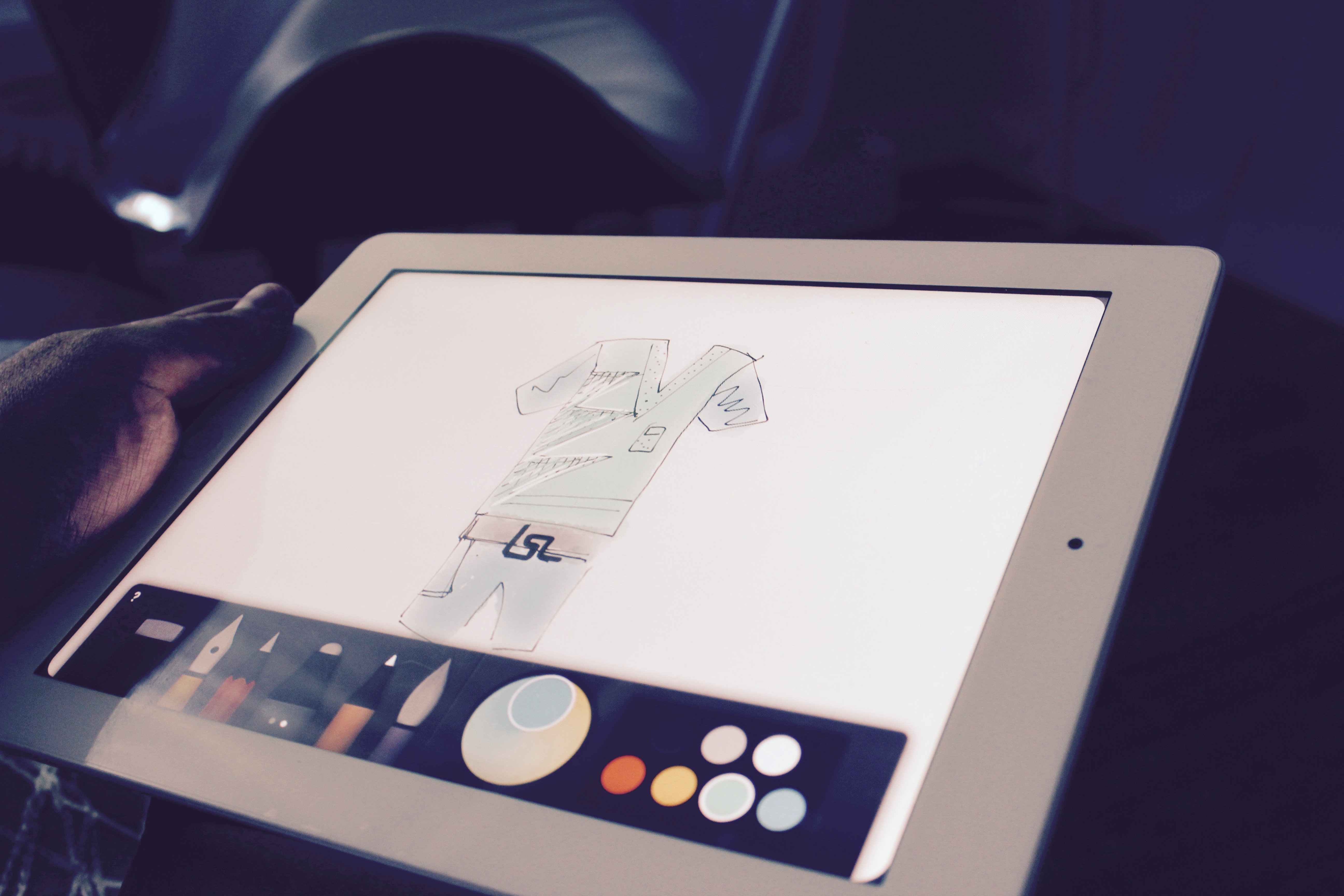
Photo credit: Marcin Czaja.
These tools can be as simple as sketches, or look like the real thing, however, they are usually limited in interactivity. To better mimic the final product, the output is usually transferred into a more interactive tool that turns the static images into a clickthrough prototype.
Paper prototyping
The old-fashioned paper and pen can be the best type of prototyping tool out there. It can be used in the earliest stages of the process because it is cheap and allows for ideation.
Pricing: According to our prototyping comparison tool, paper prototyping is the cheapest and fastest way. It only really costs as much as the paper you buy.
Figma
Figma is one of the more recent vector tools on the market, and is comparable to Sketch, an app for designing interfaces, websites, and icons. Figma, however, runs directly on a browser, which allows for multiple users during wireframing.
Multi-page tools
Layer interaction tools
Conclusion
Alternative tools





Stay updated on the go with our mobile app.
Get latest insights with smoother, more personalized experience through TIA mobile app.











📅 Upcoming Events
22 October 2026
Payoneer x CSPN Summit 2026