 Steven Millward · · 13 min read
This little PC wants to convert you from Windows to Android (REVIEW)
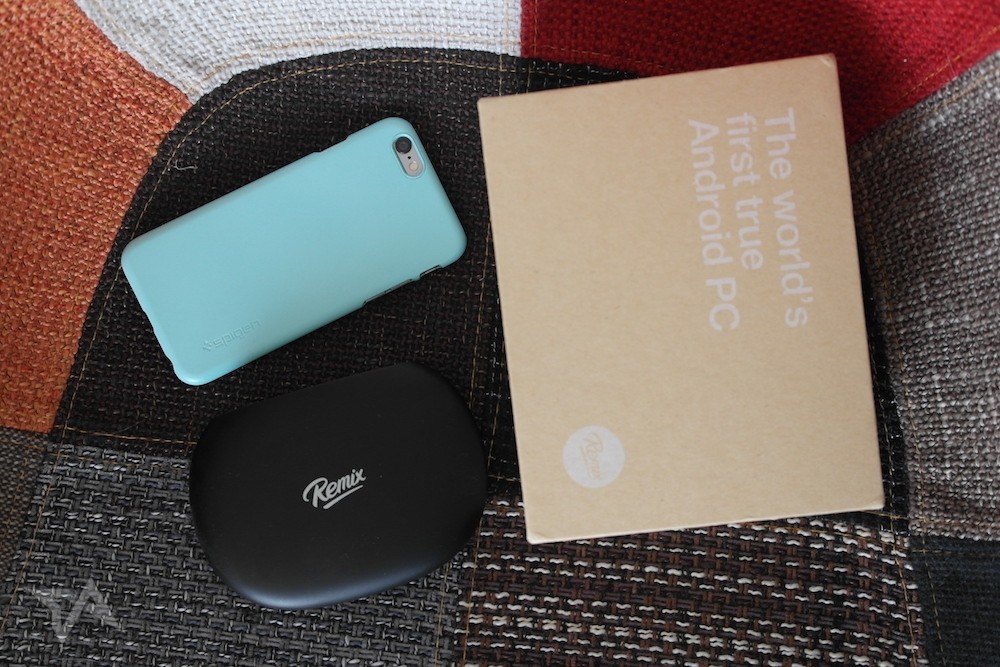
The Remix Mini and its retail packaging – alongside an iPhone 6 for scale.
We’re all so crazy about our smartphones. They’re so tactile. We fondle them hundreds of times per day. The way they respond to our touch is positively carnal. Some of the pricier phones look like gems. They’re adored, adorned, shown off, abused.
Computers? We no longer care about computers.
Our enthusiasm for upgrading a laptop or desktop PC is up there with our passion for a new washing machine or a kettle.
Now seems like a weird time to be reviewing a desktop PC. Yet here we are.
The Remix Mini PC – priced at US$70 – arrives in a box smaller than that of my favorite brand of tea. When you pull it out, it’s about the size and thickness of a large bar of soap. It’s altogether a simpler approach to desktop computing – you bring your own screen, keyboard, and mouse. It’s not a lavish affair, because nobody wants to spend that much on a PC anymore. At a time when computers are an afterthought, a burden, the Mini’s approach makes sense.
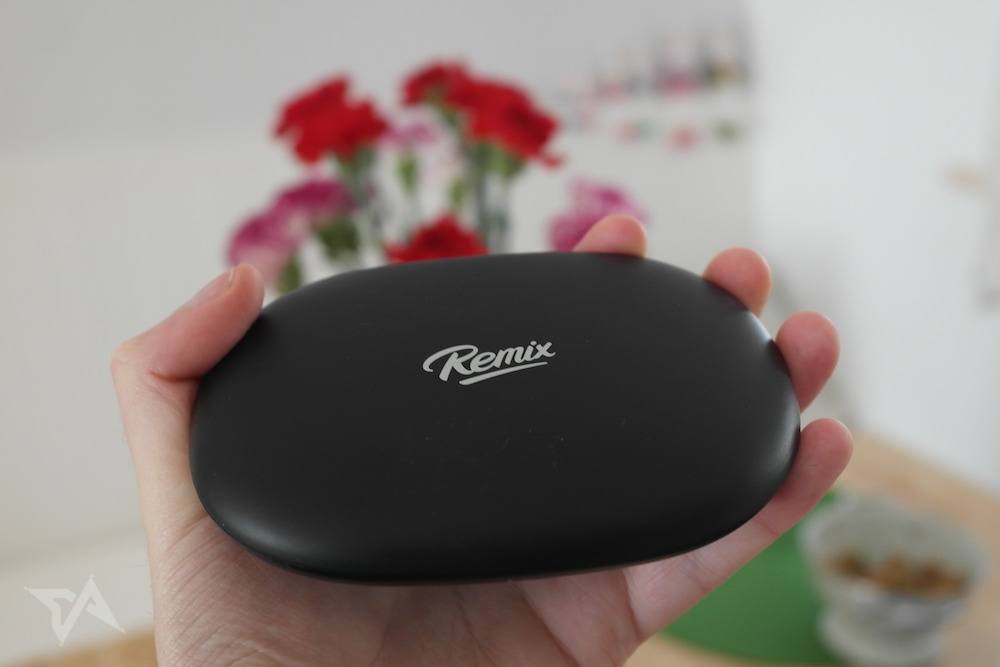
The Remix Mini runs Android 5.1. So not only is it selling itself as a no-fuss bit of hardware, it’s also trying to get you away from Windows. The implication is that Android is all that most people need. It’s also intimating that Android and its accompanying apps are a more attractive prospect for most people than Windows with its pop-ups and pricey upgrades.
Hardware
At the back of the Remix Mini there’s one HDMI hole, two USB ports, a mini SD card slot, a headphone jack, an ethernet thingamajig, and space for the provided power adapter.
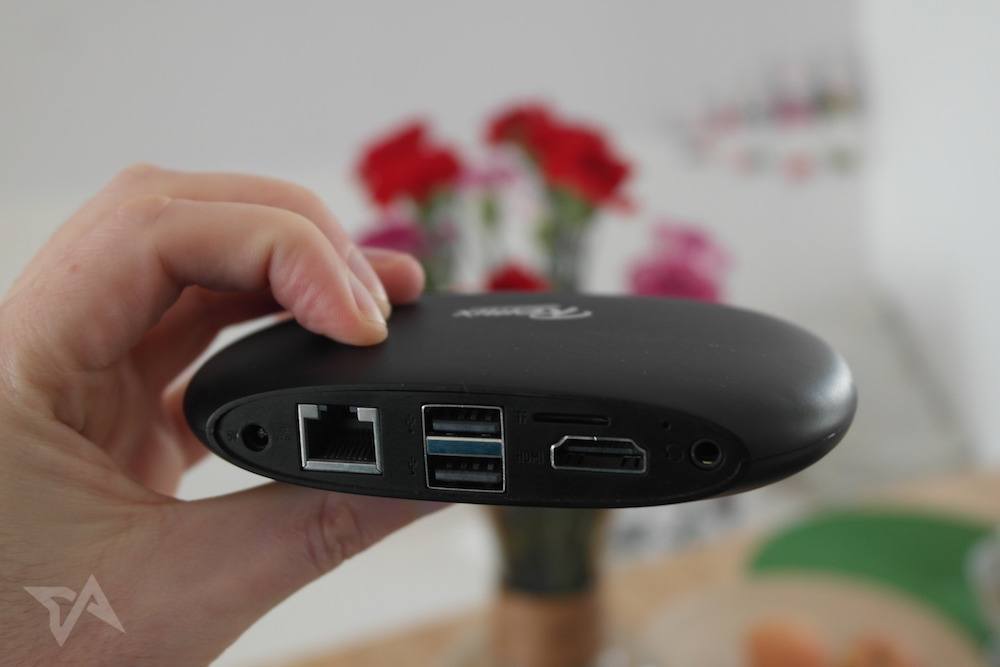
It looks like there’s no power button, but there is actually a capacitive one around the logo. It’s quite easy to miss. I did, until I browsed the Remix Mini site and saw it mentioned.
The little Remix Mini supports wifi and Bluetooth, so you could connect a cordless keyboard and mouse, if that’s what you have lying around.
Remix OS software
Working
Playing
Conclusion





Stay updated on the go with our mobile app.
Get latest insights with smoother, more personalized experience through TIA mobile app.








📅 Upcoming Events
22 October 2026
Payoneer x CSPN Summit 2026