Although you can play games perfectly well using a standard mouse, having a gaming mouse that you are comfortable with can help you step up your game. Towards the end of the Pinoy Gaming Festival 2013, Neolution E-Sport made an announcment on its Facebook page about having distributors in the Philippines, and we decided to check out some of its products.
Neolution gear was by far the most affordable gear on display during the Pinoy Gaming Festival 2013. The company had six different gaming mice and two gaming keyboards on display at its booth there. While affordable prices are good, I’m sometimes inclined to wonder if a cheap price means the product is cheap, too. I’ve got a couple of good reviews of Neolution E-Sport gear in store for you, and for my first review, I spent a week with the Neolution Cyborg. Here’s what I think.
The Neolution Cyborg unit
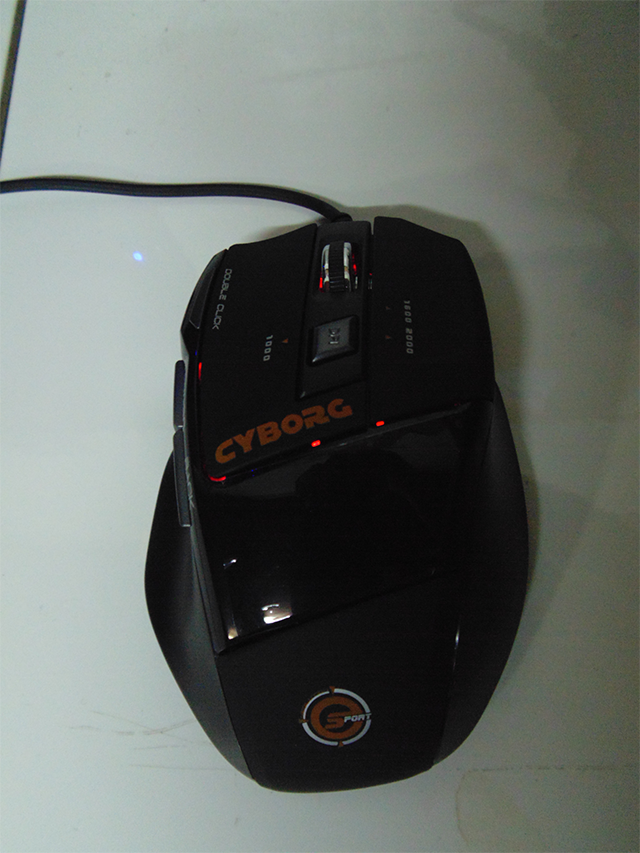
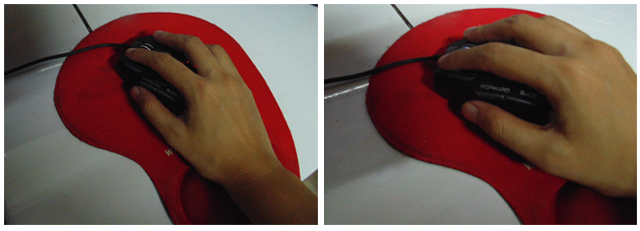
Judging by its shape, the Neolution Cyborg is more suitable for right-handed players. I like its turtle shell-like form, as my hand sits well on it. I also liked how the left side of the mouse had a cradle-like indent to rest my thumb on, so I don’t hit the side buttons accidentally while playing. The mouse’s surface is also smooth, but not glossy, and I think this is good for people with sweaty hands because mice with super smooth and glossy surfaces end up being slippery and sometimes icky. The surface of the Neolution Cyborg has different textures on the sides compared to the top parts for an easier grip.
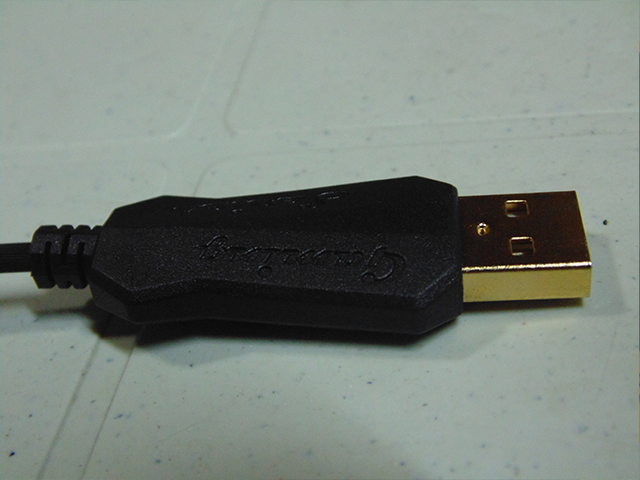
The Neolution Cyborg also features a gold-plated USB adapter which is supposed to make it more sensitive and responsive. The wire isn’t a braided cord as I usually prefer, but is thick and looks durable enough. According to the manual, the striped wire is designed for anti-interference and is all copper with a magnetic ring.
For players like me who are accustomed to using light mice, the Neolution Cyborg will feel a bit heavy on first use. On the other hand, players who are used to heavier mice will feel comfortable with this one. In my experience, my right hand felt rather tired and heavy during the first few days of usage. It didn’t feel like my hand was physically injured or useless, but my fingers felt rather heavy. It took me two days to get used to its weight.
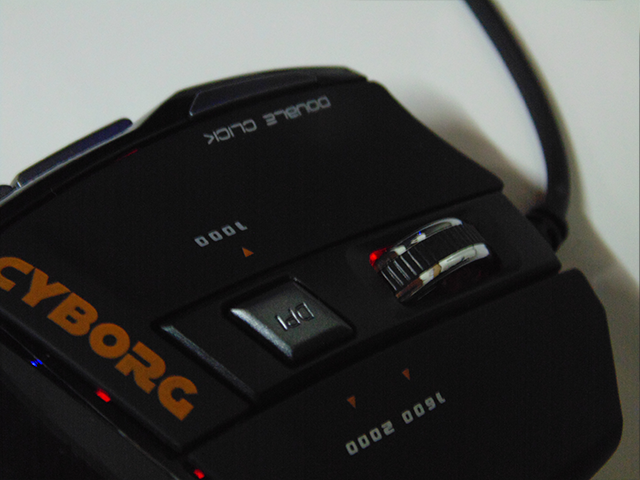
Weight is important when choosing a mouse. Some players have difficulty keeping the mouse steady when it’s too light, because it tends to move farther than intended with slight movement. To cope with various individual preferences and to balance between weight and sensitivity, the Neolution Cyborg has three different DPI settings —1000 dpi, 1600 dpi, and 2600 dpi, which can be changed via the DPI button.





Stay updated on the go with our mobile app.
Get latest insights with smoother, more personalized experience through TIA mobile app.