 Jum Balea · · 3 min read
This tool lets you do a lot more with your PDF files than just view them
Viewing a PDF in your browser is as easy as 1-2-3. But for years since Adobe released this file format, there wasn’t much that you could do with it.
Then came apps and extensions that allow you to do a lot more with your PDF files such as Notable PDF.
Notable PDF is a cloud-based Google Chrome app and extension that lets users collaborate around PDF files.
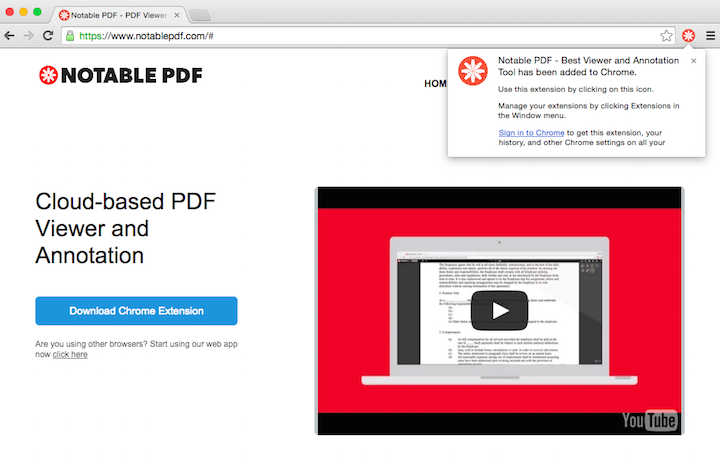
Let’s look at how it works. Once installed in your browser, the Notable PDF icon appears on your omnibar. Just click on the icon to access the extension.
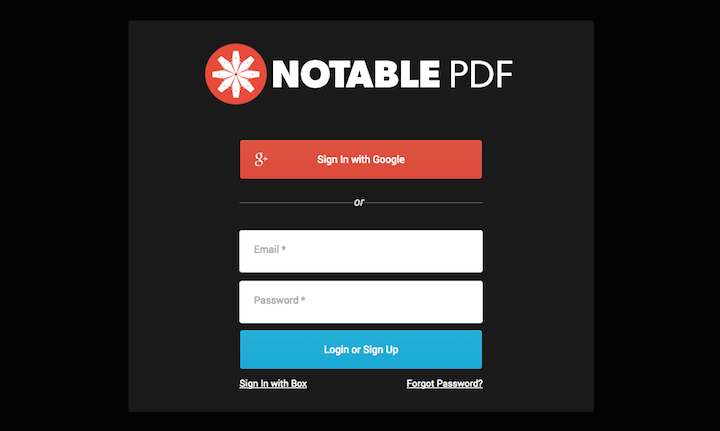
If you’re using the tool for the first time, you may sign in using your Google account or sign up using your email.
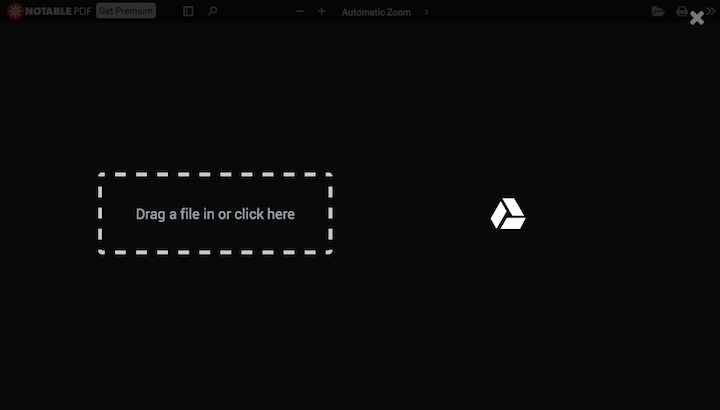
Once logged in, drag a file from your computer or load one using your Google Drive.
View, add or highlight text, draw on your file, sign and share it using a bunch of buttons floating on the top-right area of the window. Notable PDF also allows you to print the edited file, download it, or save it in your preferred cloud storage account.





Stay updated on the go with our mobile app.
Get latest insights with smoother, more personalized experience through TIA mobile app.










📅 Upcoming Events
30-31 March 2027
Upskill Fest