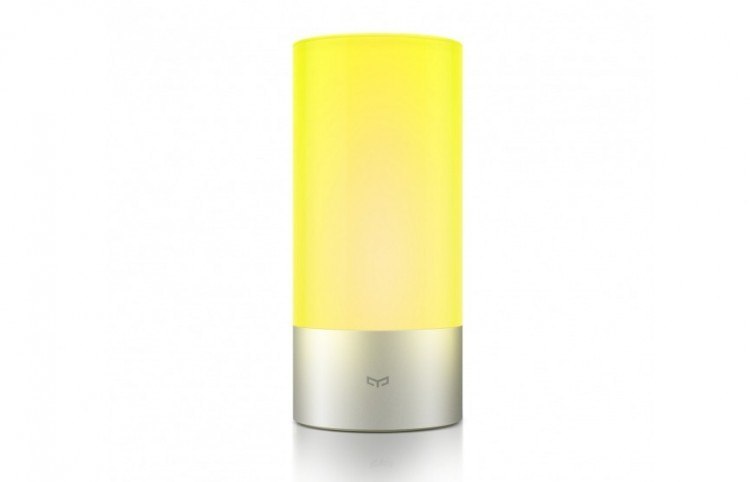
For years, I have lit my nightstand with lamps that are functional, but kind of boring. My current lamp is a by-the-books black number that sports a single feature: an on/off switch. It works great, but it’s not particular versatile. Could a smart lamp do better?
This week I got the chance to find out. I tested the Yeelight lamp, a smart, multicolored bluetooth bedside lamp that’ll run you about US$40 in Xiaomi’s online store. Was it good enough to make me throw out my normal one-color not-so-smart lamp? Read on!
Xiaomi hardware
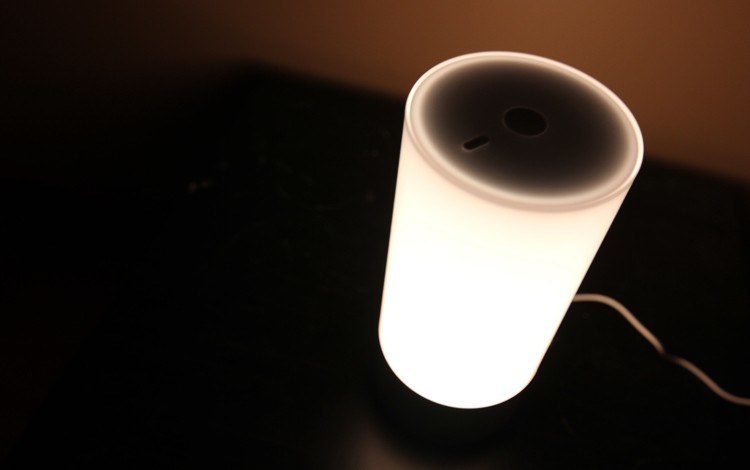
The Yeelight in its natural habitat: night.
As you can see, the Yeelight lamp is a clean, white cylindrical tube. It’s got two small buttons on the top (a power button and a scene button), and a metal ring around the bottom that sports the Yeelight logo and a power adapter connection (the lamp doesn’t have a battery, as it’s meant to be used bedside). Aesthetically speaking, it definitely looks cooler than my old lamp.
The build quality certainly isn’t bad, but it’s not amazing either. The majority of the device is plastic, and although it does have a touch-sensitive surface on the top, it doesn’t feel as pleasant to swipe across as (for example) the glass screen on most smartphones. Then again, that hardly matters, as when you want to make brightness or color adjustments, you’ll probably end up using the app – well, one of the apps – anyway.
An abundance of apps
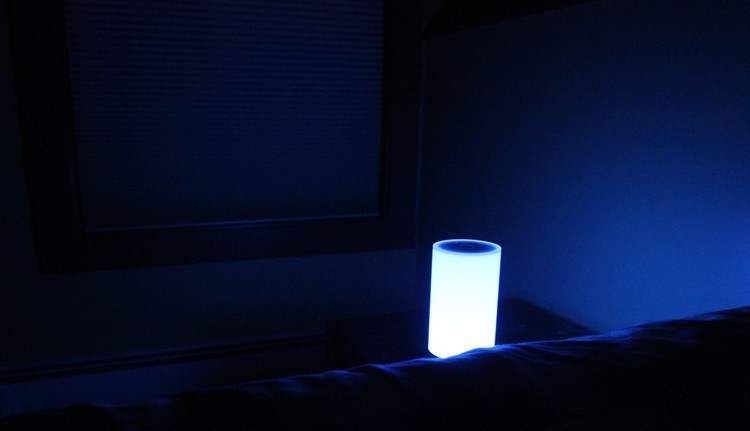
Set to blue and maximum dim from a distance via the Yeelight lamp app.
I say one of the apps because the Yeelight lamp can be operated a bunch of different ways. There’s a dedicated Yeelight lamp app that’s available for iOS and Android. The nice thing about this is that it’s easy to use without signing up for any kind of account. On the other hand, it does ask for permission to access your handset’s phone and contact list, which is weird. I don’t see why a desk lamp needs to know who my contacts are.
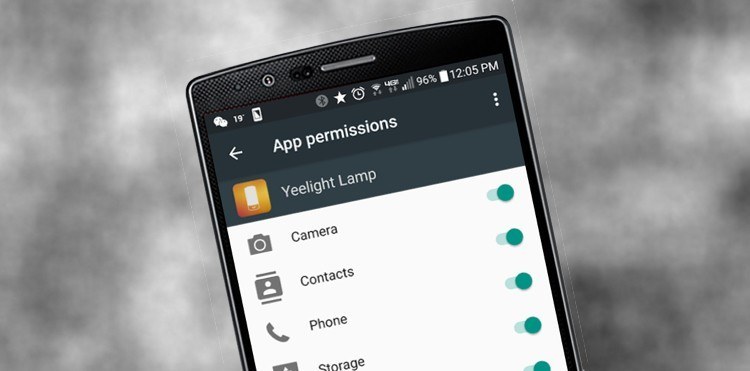
The Yeelight lamp app, demanding permissions it doesn’t need.
That said, the app itself is slick, self-explanatory, and works perfectly. It’s the easiest way to access all of the lamp’s features quickly, so it’ll probably be your go-to choice for controlling the Yeelight.
That said, the lamp does also support Xiaomi’s Mi Smart Home app (which includes controls for lots of Xiaomi’s smart hardware products) and it can even be integrated with WeChat so that you can control it there. You can’t control colors from WeChat though – it only includes on/off and the brightness dimmer, so for more advanced uses you’ll need the Yeelight or Xiaomi Smart Home apps.
More than just on and off
Can it replace my dumb lamp?





Stay updated on the go with our mobile app.
Get latest insights with smoother, more personalized experience through TIA mobile app.











📅 Upcoming Events
22 October 2026
Payoneer x CSPN Summit 2026