 Steven Millward · · 13 min read
Xiaomi’s new Mi Band Pulse gets my heart racing (REVIEW)
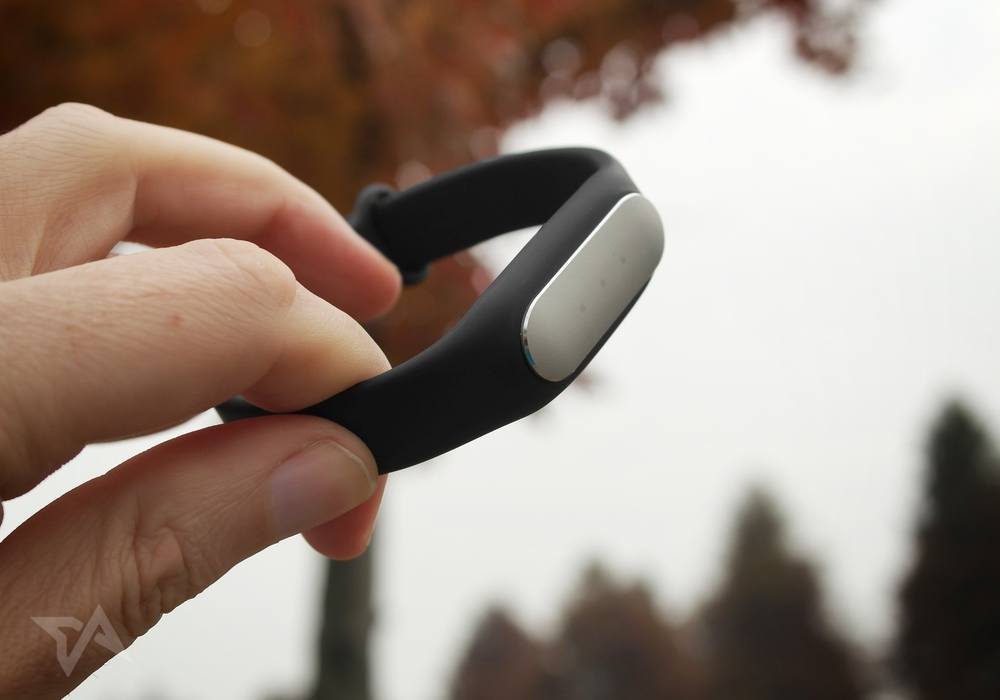
When Xiaomi first revealed the Mi Band in the summer of 2014, I immediately knew that it had got the price right. A fitness wearable is not an essential item and it’s not exactly rocket science to make, so the US$13 price tag made sense – it acknowledged our inevitable “smart” and wired-up future where pretty much everything connects to an app to give us data (our cups, our shoes; eventually our underwear). These things will ultimately be given away free; they’ll be embedded and ingrained. If a company is trying to charge people hundreds of dollars for a fitness gizmo, it’s doomed to failure, I thought.
Despite the tiny outlay, I didn’t bother with the Mi Band. But last month Xiaomi updated it and added in a heart rate monitor. The price went up only slightly – to RMB 99 in China, which is US$15. The name changed a bit too – now it’s the Xiaomi Mi Band Pulse. Now was the time, I decided, to see if a bargain fitness wearable was worth having – or if I’d soon be stuffing it in a drawer and forgetting about it.
Getting it on
The Xiaomi Mi Band Pulse makes itself useful by doing quite a few things – tracking your running and walking, monitoring your sleep, sending data and analytics to the Mi Fit app, waking you up with an alarm, taking your pulse, and buzzing you if your phone rings.
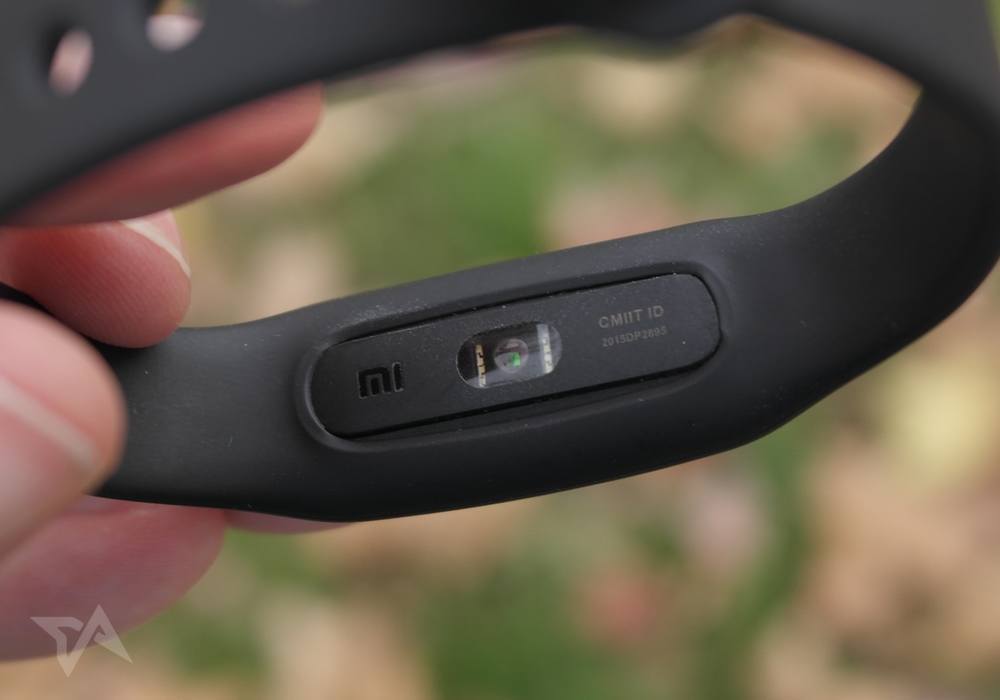
I tested it for over a week in conjunction with my iPhone 6. I was also keen to see how the Mi Band Pulse synced with iOS’ Health app.
If I were on a Xiaomi phone, the Mi Band Pulse would give me one extra feature – securely unlocking the phone without needing the passcode.
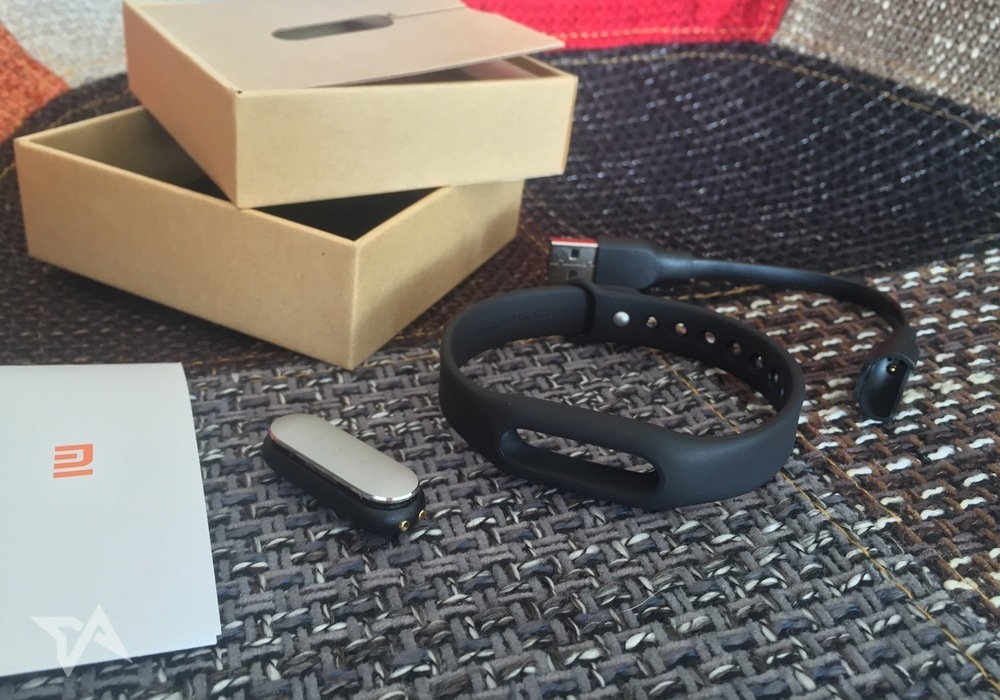
Once you get your Mi Band Pulse out of the box, you’ll need to pop it into the rubbery bracelet. It’s not easy to slot in, but that should mean the central nodule stays in place. Owners of earlier versions of the Mi Band complained of this popping out sometimes, but the revamped design seems to be tauter and safer.
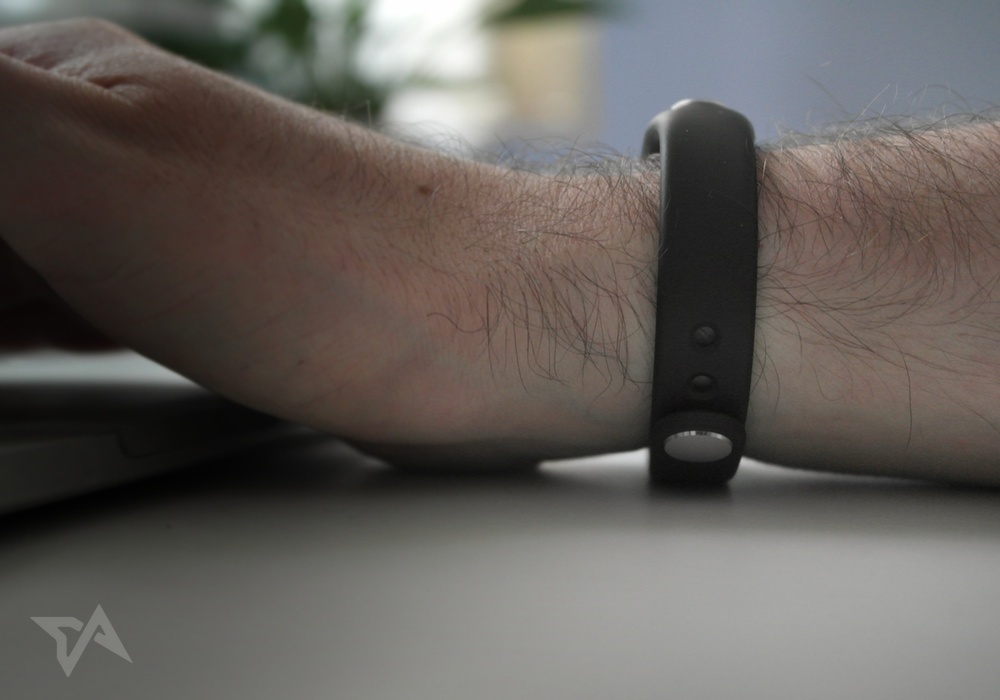
Weighing only 5.5g (0.19 ounces), it’s barely noticeable on the wrist. The pliable band is thin around the reverse of your wrist, so you won’t notice it too much when you’re resting your forearm on the desk to type. The first time I put it on, I noticed the metal clasp at the rear was scraping my desk and laptop, so I put the Mi Band Pulse on the other way around, resulting in the clasp being out of the way.
Mi Fit app
Plugging in to Health app
Getting moving
Time to sleep
Rise and shine
Conclusion





Stay updated on the go with our mobile app.
Get latest insights with smoother, more personalized experience through TIA mobile app.










📅 Upcoming Events
22 October 2026
Payoneer x CSPN Summit 2026