- Insights This article was written by a TIA community member. Insights pieces undergo the same rigorous editorial process that newsroom-produced articles have.
 Randy Sugianto · · 8 min read
TIA Engineering: How we built the conference attendees chat
Our mobile apps keep you updated on our media content and let you participate in the comments. We’ve just updated them for Android and iOS, but we wanted something more mobile-exclusive.
We then started working with the recently concluded Tech in Asia Singapore where we enabled users to chat with other conference attendees.
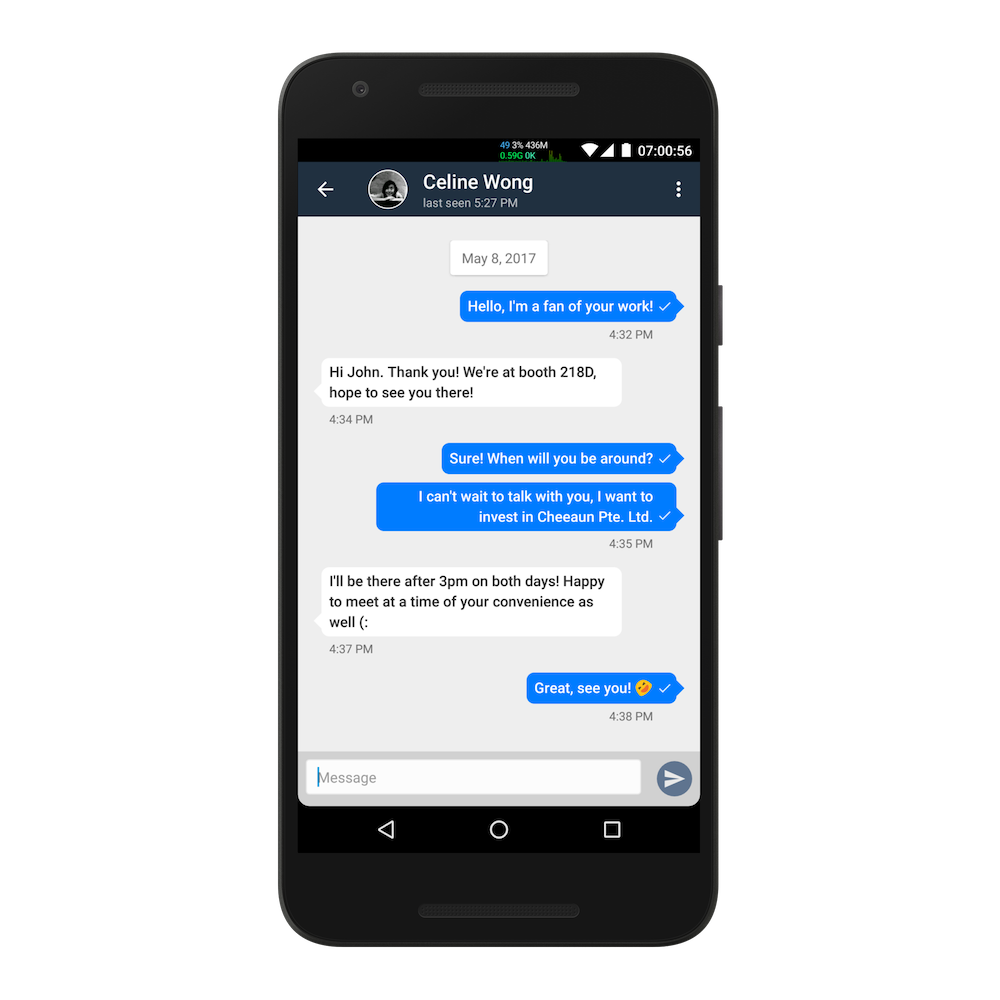
This article discusses a general overview of what Firebase offers for a custom instant messaging application and tells about the specific needs that we tried to overcome. Even though this article is mainly in the context of building our Android app, the same concepts can be also be applied to iOS.
Firebase as the backend
Here are the things we want to achieve in the first version of the attendees chat:
- One-to-one private messaging among attendees
- Search attendees by name, company, job title, country, interests, or skills
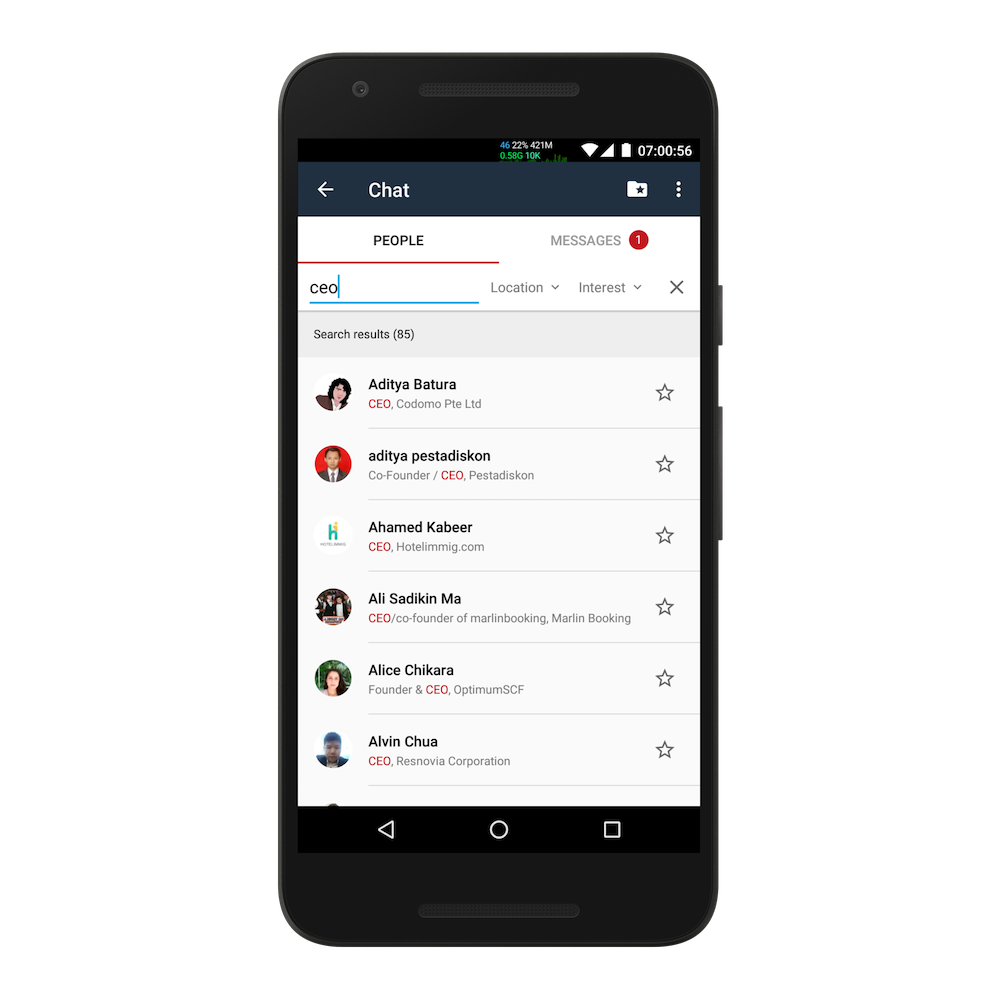
- Push notifications when receiving a message
- Easy access to recent conversations
- Online status of each attendee or “last seen” feature
- Multi-device support for each account
- Integration with existing Tech in Asia account
Building a chat app means that data have to be transferred in real time. So, we decided to use Firebase, which is often promoted with demos on how easy it is to build a chat app for web, Android, and iOS.
Using Firebase Realtime Database
One of the main features of Firebase is the Realtime Database, a NoSQL database structured like JSON. Clients ask the Firebase library to keep a subtree synced. For example, chat messages between two users whose IDs are uid1 and uid2, respectively, where uid1
/chat-messages/uid1/uid2When one user adds a message as a new child of that subtree, the data will be available to the other user. That synchronization happens automatically until one decides to stop listening to changes. This eliminates many complications of building a client-server app such as automatic retrying, caching, determining when to make requests, accessing control, and paging. However, it only tackles the part of exchanging messages.
User authentication
We did not want to keep separate lists for techinasia.com users and chat users. Both platforms should be based on the same user account. Firebase has its own user account list so that it can check whether a certain user is allowed to access a certain part of the database.
Securing data
Online or “last seen” status
Client-side vs. server-side fan-out
Putting tick marks to messages
Sending push notifications
Tips and best practices
Conclusion





Stay updated on the go with our mobile app.
Get latest insights with smoother, more personalized experience through TIA mobile app.