 Kenneth Lou · · 6 min read
Non-technical founders should learn basic UI/UX. Here’s where to start.
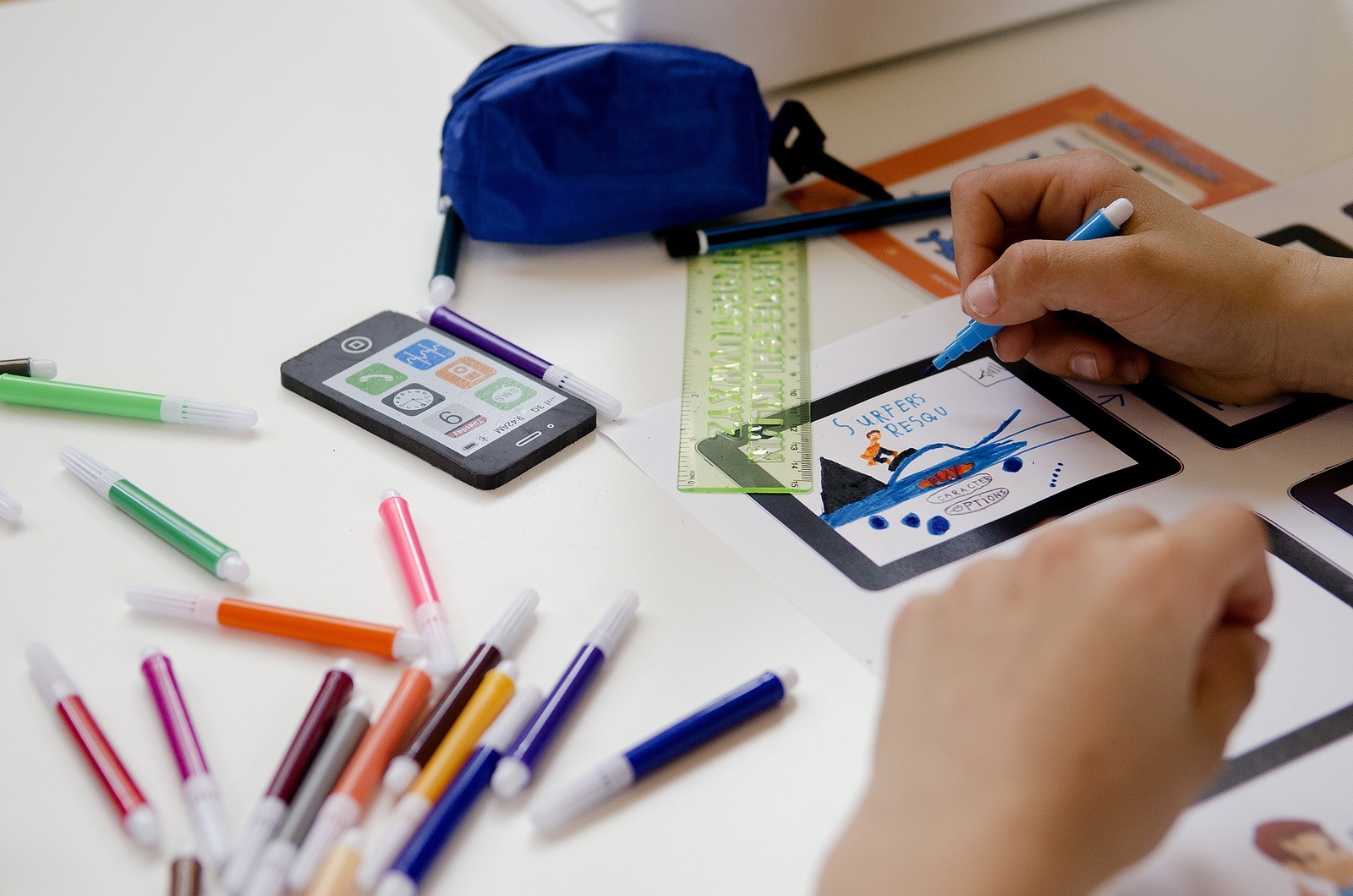
Photo credit: Waag Society
My love for human-computer interaction (HCI) design, more popularly known as UI/UX today, came about when I started Seedly, my second mobile startup.
A small two-man founding team is usually made up of a technical and non-technical (business) co-founder; clearly there was a gap to be plugged. I really wanted to be involved in the product creation process, and design became an obvious way to move from words and ideas into actual pixels.
At first, things seemed daunting.
By just entering the terms “UI/UX design” into Google Search, you’ll find a myriad of articles showing you sure-fire ways to get certified or Coursera courses you should join. So I got a little worried that I was not up to par, with almost zero experience, and asked around for UI/UX trained practitioners.
It’s no rocket science.
We interviewed a few, and found out that they were really expensive to hire – usually at $2-3k per app.
During the first interview sessions with them, I found out that what they were doing was basically what any other startup founder would already be doing when building a product – research on target audiences, interviewing them to find out more, and ultimately working on wireframes to test out the designs with real users. It’s no rocket science.
Before we proceed any further, I must caution that I am in no way some UI/UX expert, and neither do I want to start a debate whether UI/UX should be a profession that pays well.
Instead, I am proposing that you can pick things up from scratch to move things along quickly. At the end of the day, the first step is not to be afraid and place self-limiting thoughts on you as a non-design/non-tech/non-whatever trained founder.
Key reasons why you should pick up basic UX/UI design:
- It’s expensive (in time and money) for you not to
- You get to directly influence how the product shapes up
- You get to be a lot more agile to make changes on the fly
- You understand your customers a lot better over time
Now that we’ve established that it’s clearly in your tech startup’s interest for you to learn some basic UX/UI design, I will share with you the tips, resources and tools I used to turn my ideas into a high-fidelity prototype in 30 days.
And now, after many rounds of iteration, we’ve built an actual iOS product being used by over 900 users as of today!
1. Where to start – my first tool
Download Sketchapp (for Mac users) or Photoshop/Illustrator (for non-Mac users). It’s probably going to cost you between $59 to $99, depending on whether you are a student or working professional.
2. Getting inspiration through research
3. Prototyping and testing your design with users
4. The design handoff to developers





Stay updated on the go with our mobile app.
Get latest insights with smoother, more personalized experience through TIA mobile app.










📅 Upcoming Events
22 October 2026
Payoneer x CSPN Summit 2026