 Paul Bischoff · · 2 min read
Desktop version of WeChat comes to Windows PC nearly one year after Mac
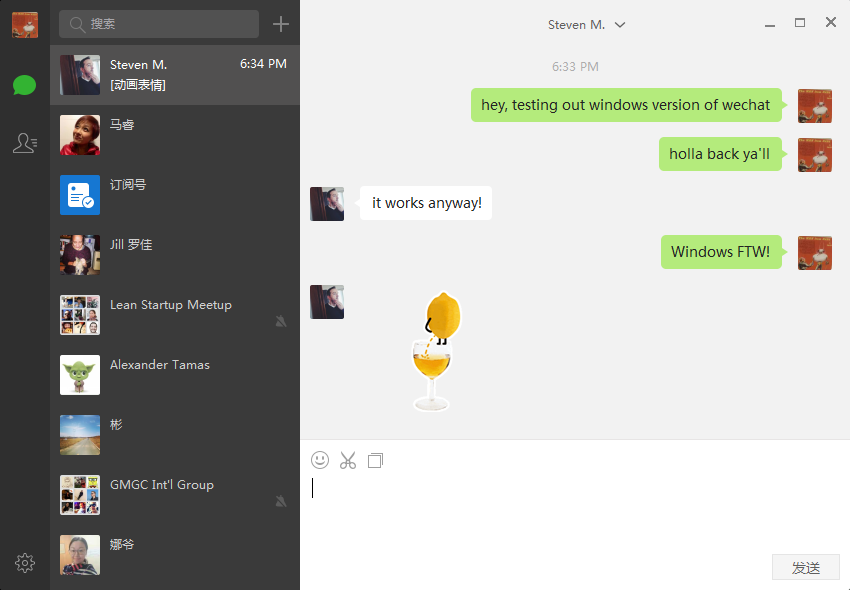
WeChat, the mobile messaging juggernaut from China, unleashed the Windows PC version of its app (h/t QQ Tech). This comes nearly a year after the Mac client was released last February.
Just like the Mac version, WeChat for Windows is fairly barebones. You won’t find the treasure trove of features and functions available on the mobile version, just basic messaging and file transfers.
Prior to both desktop clients, WeChat was available on desktop via a web app.
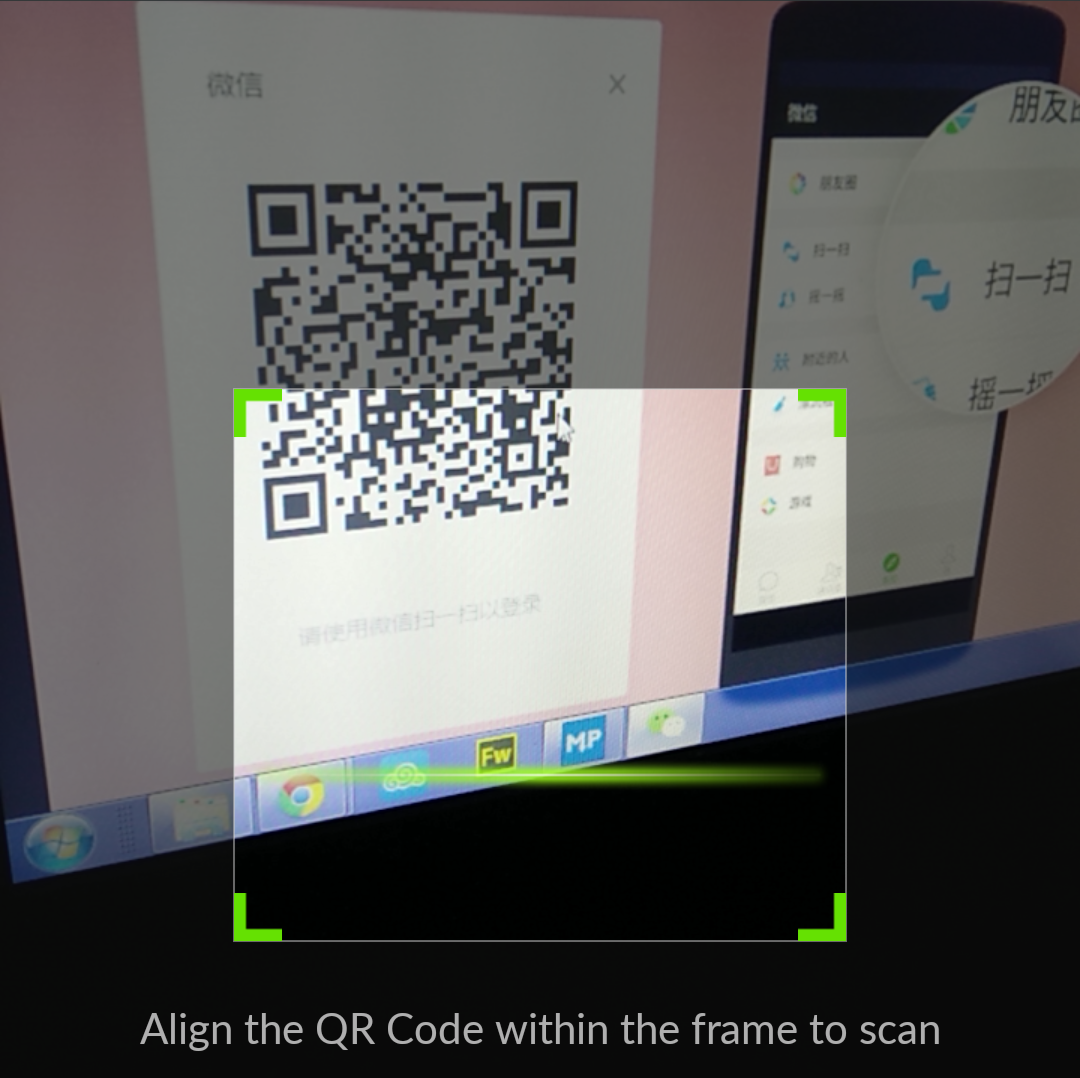
Once the program is installed, the user just needs to scan a QR code with the mobile version’s camera and hit confirm. Unfortunately, that means the desktop version isn’t a helpful alternative if you’ve lost your phone.
The app is still all in Chinese for now, but it’s easy to figure out thanks to its simplicity. Once its up and running, users will get messages on both PC and phone, but alerts will be diverted to the PC only.
Unfortunately, any stickers you’ve accumulated don’t get synced to the PC version, but you can view stickers sent to you from others.
See: How to publish your own articles, promotions, and invitations on WeChat using this cool new tool
Editing by J.T. Quigley
(And yes, we’re serious about ethics and transparency. More information here.)





Stay updated on the go with our mobile app.
Get latest insights with smoother, more personalized experience through TIA mobile app.












📅 Upcoming Events
30-31 March 2027
Upskill Fest