 Nick Babich · · 8 min read
How progress indicators can be used to pacify impatient mobile users
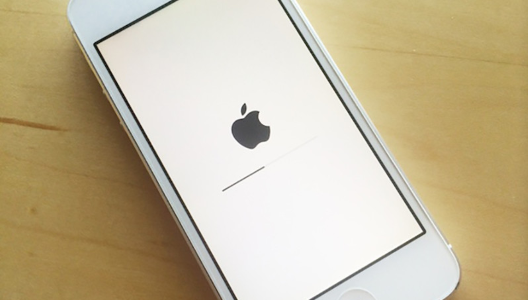
Visibility of system status is one of the most important rules of UI design. The goal behind this rule is pretty obvious — to minimize user tension you should provide feedback for the user about what is happening with the app within a reasonable amount of time. Don’t keep the users guessing — tell the user what’s happening. And one of the most common forms of such feedback is a progress indicator.
In this article, we’ll give an overview of the main types of progress indicators and use cases for them.
Good interaction design provides feedback
While instant app response is the best, there are simply times when your app won’t be able to comply with the guidelines for speed. Delays are usually caused by slow loading times and latency issues. For such cases, you must reassure the users that the app is working on their request and that actual progress is being made.
Essentially, feedback answers questions across three categories:
- Current Status: What’s happening?
- Outcomes: What just happened?
- Future Status: What will happen next?
What are good progress indicators?
Good progress indicators always give some type of immediate feedback. They notify users that the app needs more time to process the user action, and tell (approximately) how much time it will take. They have two main advantages:
- Reduce the user’s uncertainty (app reassures the user that it’s working).
- Offer a reason to wait and reduce the user’s perception of time (app gives the user something to look at while waiting. This makes users pay less attention to the wait itself).
A user’s wait time begins the moment when she taps the screen (initiates an action). Immediately, the system should give some visual feedback to communicate that it has received the request.
Use a progress indicator for any action that takes longer than about one second. For anything that takes less than 1 second to load, it is distracting to use an animation.
Types of indicators
Progress indicators could be determinate or indeterminate:
- When indicators are determinate, they indicate how long an operation will take. This is used when the percentage complete is detectable.
Looped animation
Linear animation
Skeleton screens
Don’t use static progress indicators
One last thing
Conclusion





Stay updated on the go with our mobile app.
Get latest insights with smoother, more personalized experience through TIA mobile app.












📅 Upcoming Events
22 October 2026
Payoneer x CSPN Summit 2026